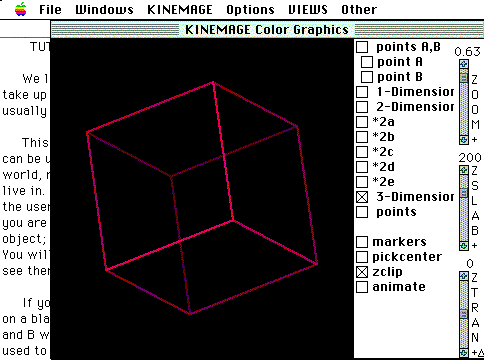
Following is a brief description for each tutorial. Clicking on each of the images will not produce the tutorials, it will only produce an enlarged image providing your terminal allows reading of GIF files. To retrieve each of the tutorials see below.
This tutorial introduces the student to MAGE and it's 3- Dimensional capabilities. Although most of the curricula described is elementary, the tutorial provides the user with a dynamic insight into dimensionality not possible with most educational software packages.
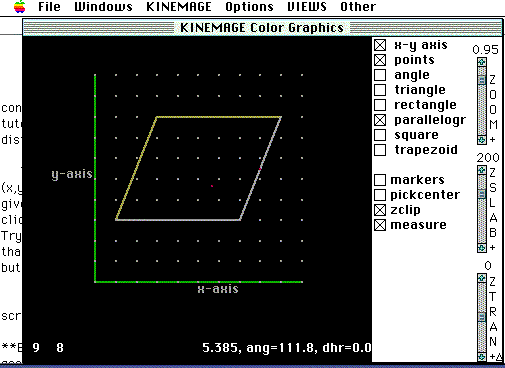
Tutorial II makes use of MAGE capabilities to demonstrate 2-D graphing, and the measuring of angles and line segments. The tutorial also introduces the Draw capabilities of MAGE, which will allow students to draw polygons onto the grid and measure angles and distances.
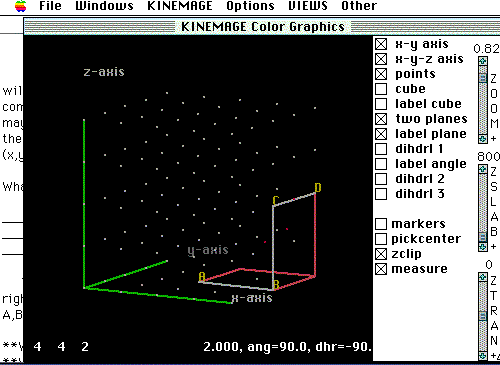
This tutorial, while primarily aimed at more advanced students, has been shown to be within the grasp of most intermediate school students if properly administered. Tutorial III introduces students to the geometry of 3-Dimensions, including the concept of dihedral angles.
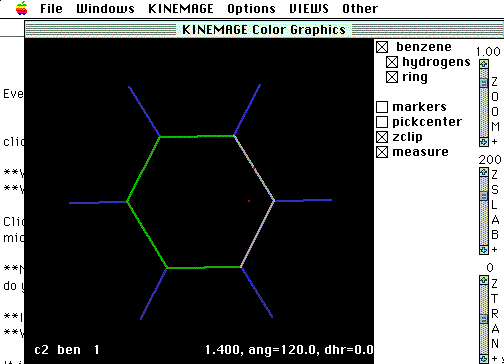
This tutorial presents some molecular images that are often seen in 9th grade Physical Science textbooks. It is in this tutorial that we begin to take a more integrative approach between mathematics and molecular concepts.
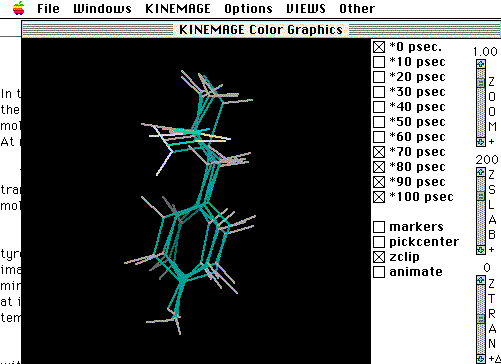
Most students are so used to seeing molecular images only in books, that they think of them as being both flat and static. Tutorial V demonstrates the dynamic behavior of molecules. To create the database, a molecular dynamics simulation was performed using software from Biosym Technologies. During the simulation, images were saved every 10 picoseconds. Using the animate capabilities of MAGE students will be able to oberve the motion of molecules over time.
MathMol Tutorials require the use of the software MAGE. For access to MAGE and other software. click here
 K-12 Mathmol Home Page